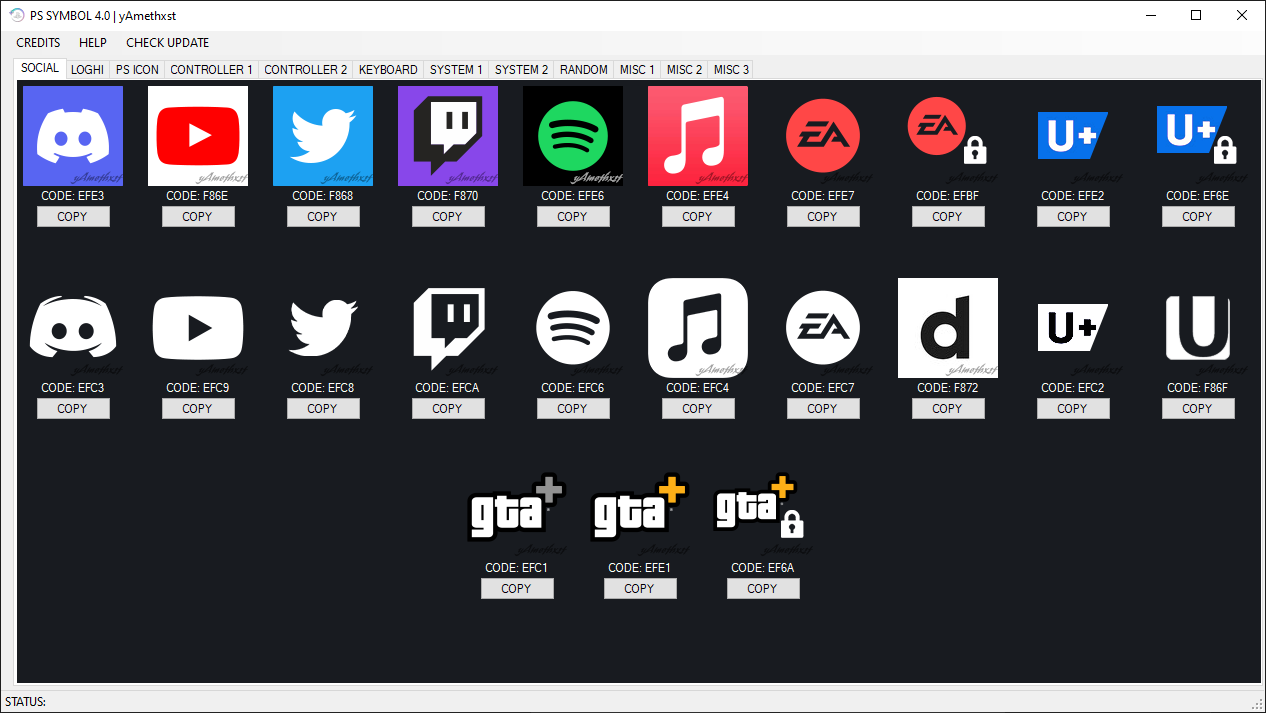
PSN Tools
Tools and utilities to customize your PSN account
Add tools to Windows exclusions to run them


Tip for macOS users
Our Mac versions are not code-signed yet, so macOS will show a security warning the first time you open them. To run the app:
- Download the Mac version of the tool.
- Open the app once - macOS will show a message saying that it cannot be opened because Apple cannot check it for malicious software.
- Go to System Settings → Privacy & Security and scroll down.
- You will see a message that the app was blocked. Click “Open Anyway”.
- A new popup will appear: click “Open” to confirm.
(If you don’t see the .zip file in your Downloads folder: Safari may automatically extract it and show the app directly instead.)